

Sitemap Setup for Accurate Scans
The current scanner starts with /sitemap.xml and follows links. Enabling Webflow’s auto-generated sitemap can expose published pages that discovery might otherwise miss. Saved custom sitemap paths and collection patterns do not currently control crawling. Pinned pages replace discovery and limit coverage to those pages. Verify the pages and findings returned; a sitemap or completed scan does not establish complete tracker coverage.
How to enable auto-generated sitemap
- Go to 'site settings' > 'SEO'
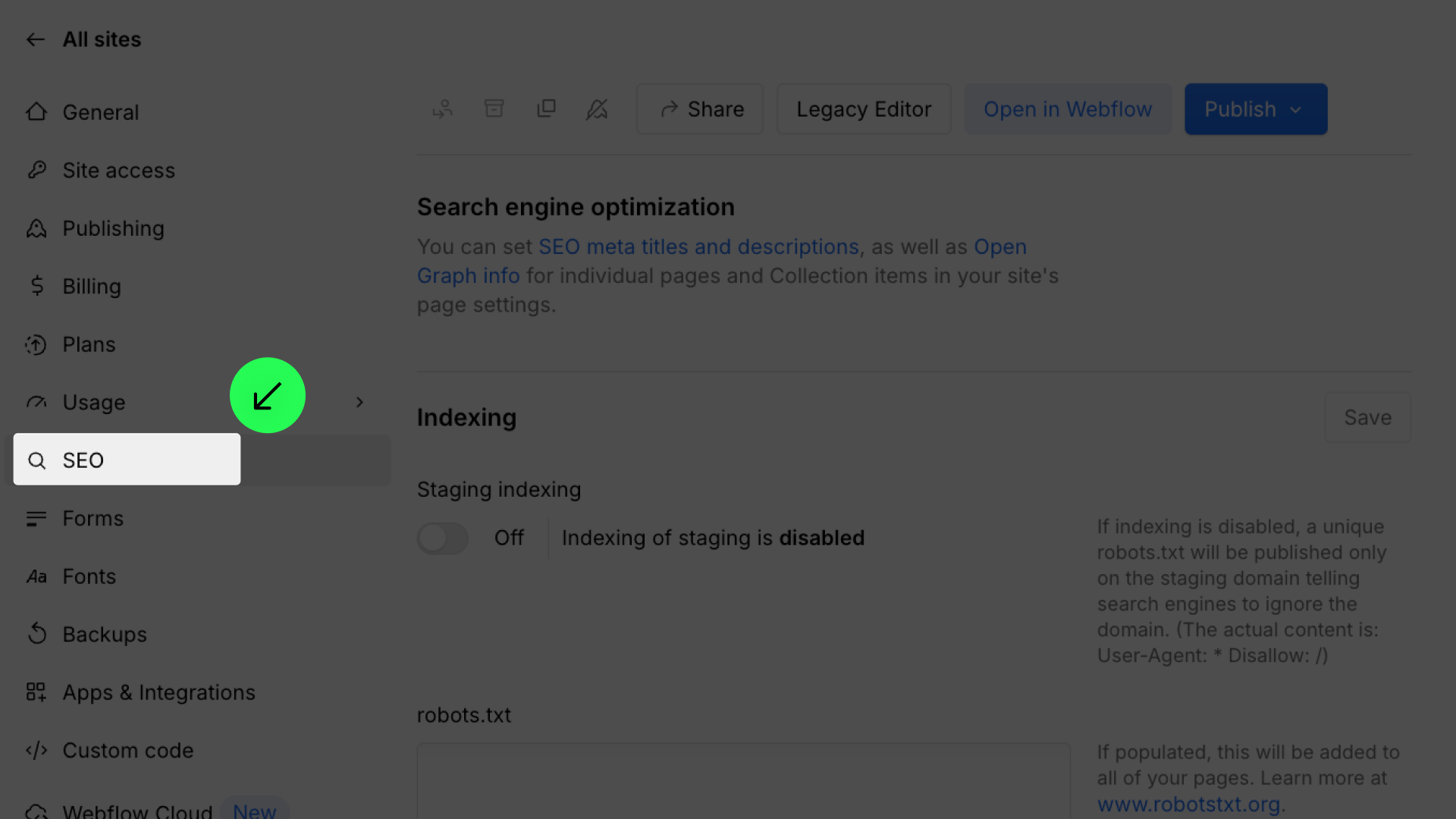
- Click to turn on 'Auto-generate sitemap’
⚠️ If your project contains draft or password-protected pages, the scanner may not be able to fully analyze them. This can result in an incomplete consent configuration. To ensure accurate results, publish all relevant pages before scanning, remove unfinished draft pages from the sitemap, or manually configure trackers for protected content.
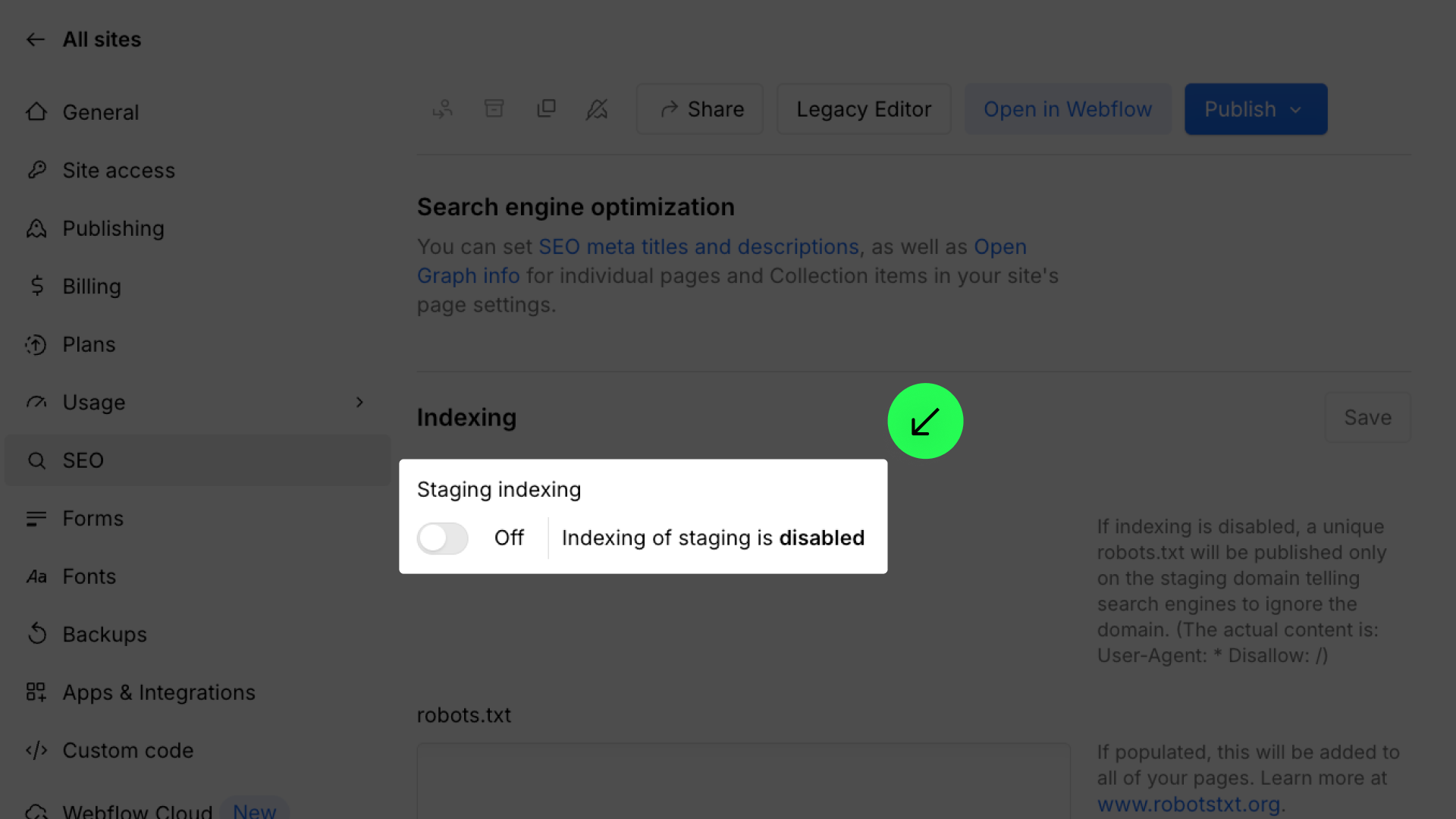
If a scan fails because ConsentPro Scanner cannot access your staging site, check Indexing and robots.txt on this same SEO page. See Scanner can't access your staging site.