

Consent Logs
Consent logs collects what visitors chose when they responded to the banner. It has three tabs: Consent logs, Analytics, and Advanced Settings.
Consent logs
Individual consent records. Records appear as soon as visitors respond to the banner, so a project that has just been published shows an empty state until the first response arrives.
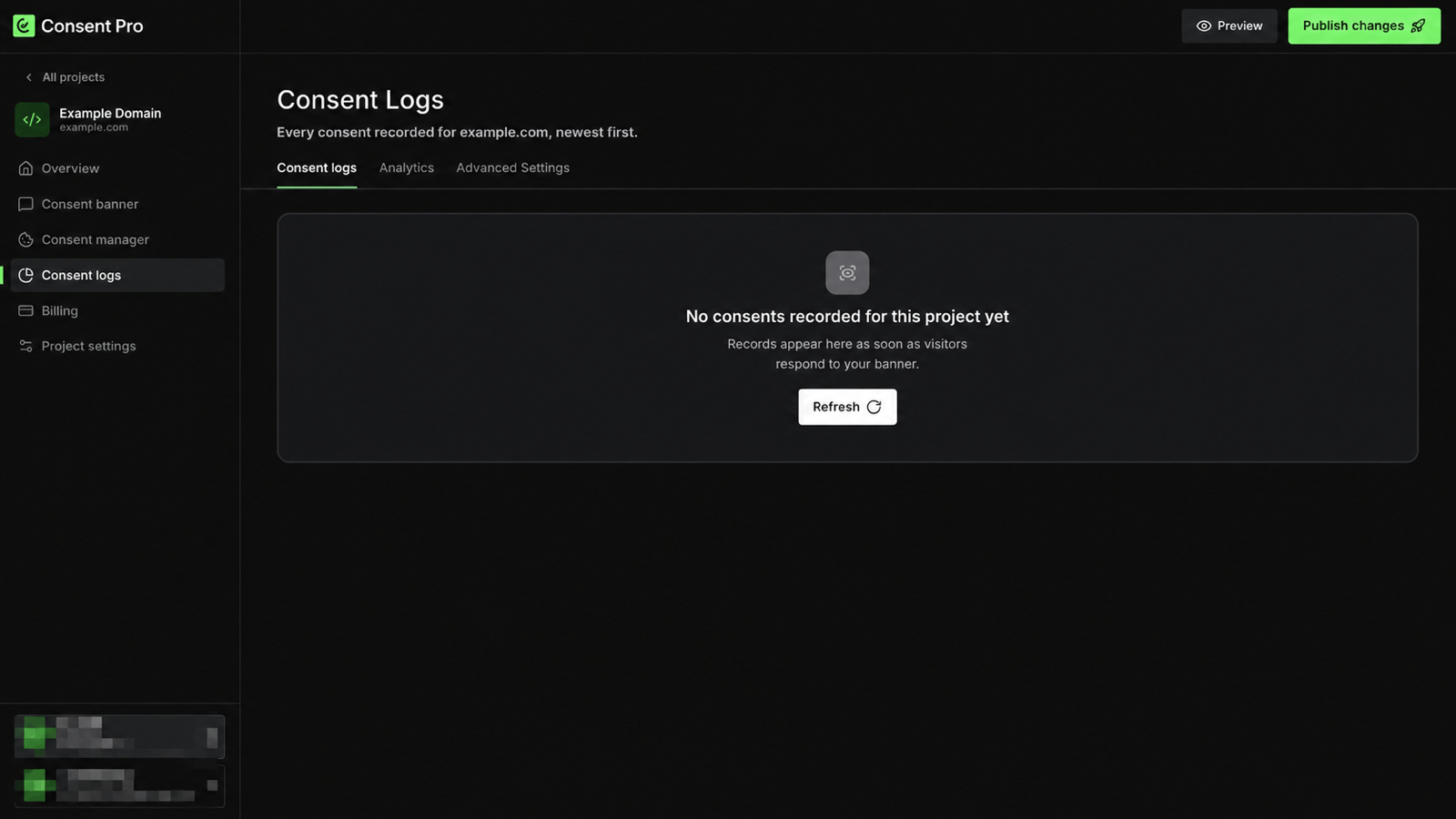
Refresh re-reads the records without reloading the page.
Records need a published banner
Consent is only recorded once the banner is live on your domain. If the tab stays empty after visitors have used the site, confirm the configuration is published and the core script is installed — see Publishing Changes and Install the Core Script.
Analytics
Consent activity for the project, aggregated over a period you choose — Last 30 days or All the time.
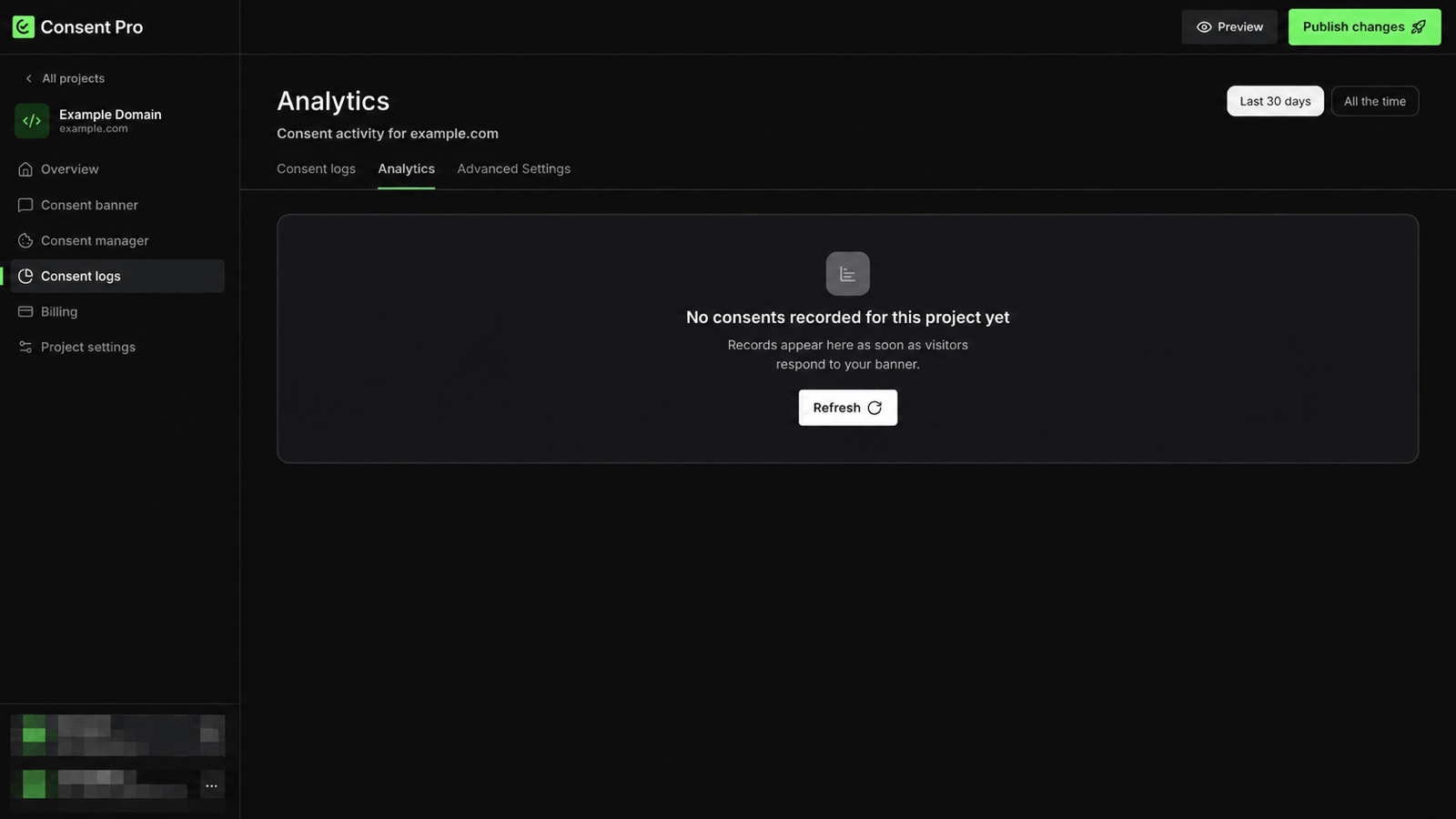
The same headline figures appear at the top of the project Overview: Consents (30 days), Opt-in rate, Accepted all, Rejected all, and Partial consent.
Advanced Settings
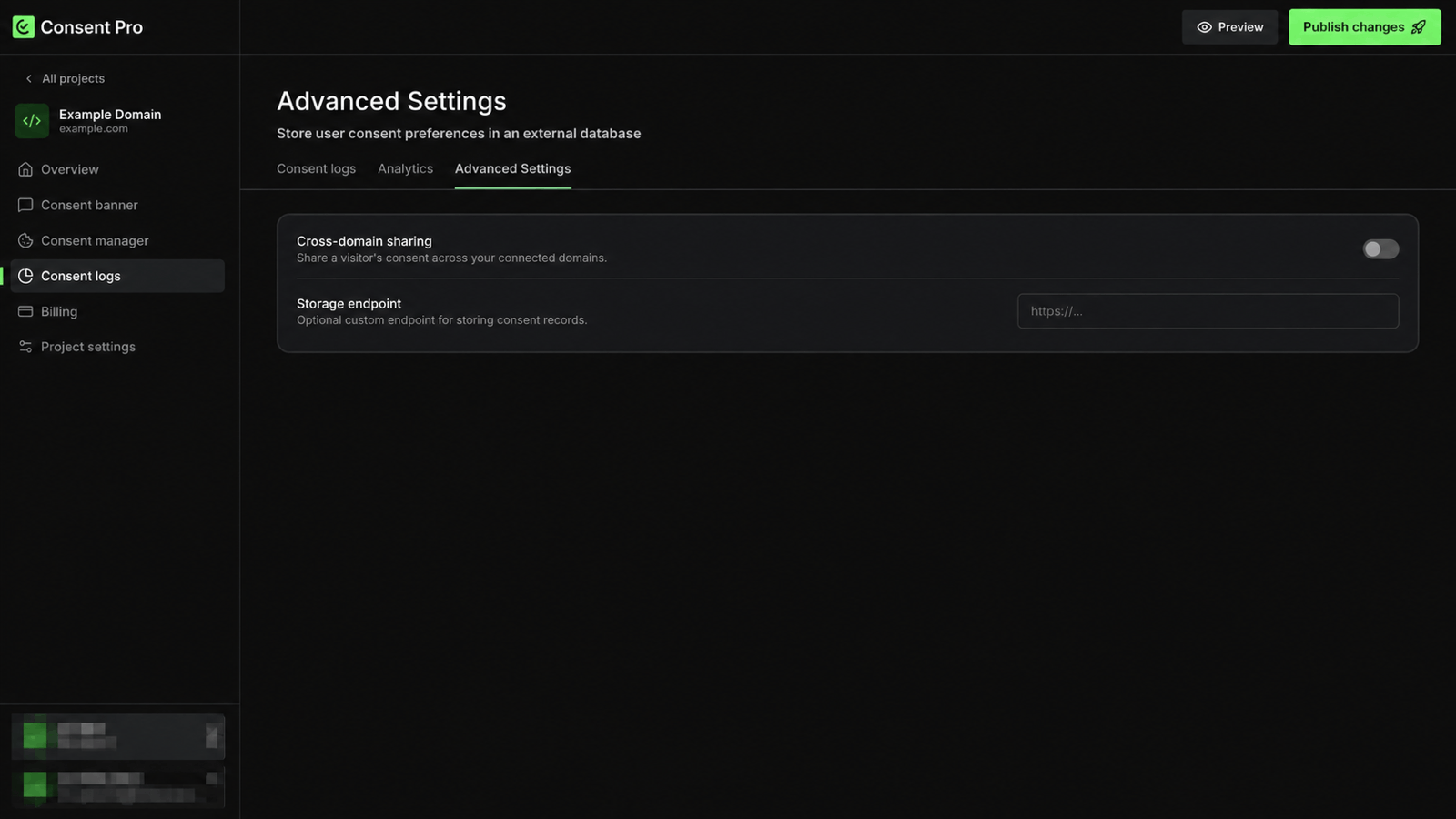
Cross-domain sharing shares a visitor's consent across the domains connected to the project, so someone who responds on one of your domains is not asked again on another.
Storage endpoint is an optional URL that receives a copy of each consent record, for keeping consent data in a database you control. For a worked example, see Store Consents in Your Database.
Both settings are part of the project configuration and take effect on the next publish.