

Install the Core Script
Consent Pro runs on a custom site through a single script tag placed at the top of the site <head>. The wizard shows it during setup, and it is available at any time from the project overview.
The snippet
The snippet is specific to your project — its URL and data-consentpro-site-id both carry the project's site ID. Use the snippet shown in your own project; do not reuse one from another project.
<script
  src="https://api.consentpro.com/cdn/core/YOUR_SITE_ID.js"
  data-consentpro-script="runtime"
  data-consentpro-site-id="YOUR_SITE_ID"
></script>
Required attributes
Do not remove data-consentpro-script or data-consentpro-site-id. These attributes are required for verification and for the runtime.
Add it to your site
- Open Overview and click View script on the Install banner row.
- Click Copy script.
- Paste the tag at the top of
<head>, before other scripts and tag managers. - Deploy the site.
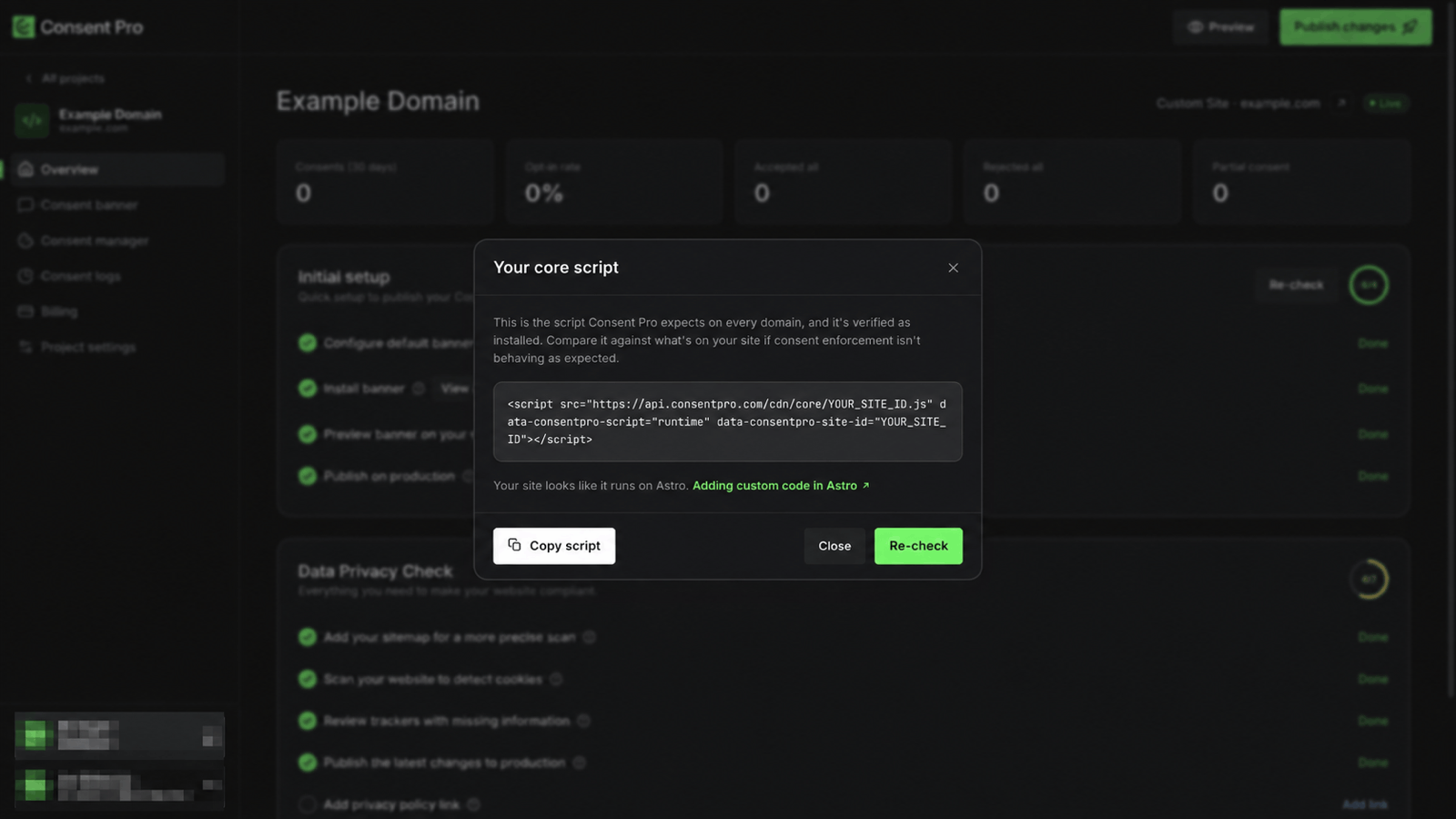
The dialog also detects what the site is built with and links to that platform's own instructions for adding code to <head>.
Verify the installation
Check script on the Install banner row runs the check against the published domain. It confirms that a valid script is present and correctly positioned. Once it passes, the row reports Done and the button becomes View script.
Verification during setup
In the setup wizard, Finish setup stays disabled until Verify installation succeeds. Do it later opens the project without verifying, and the snippet can be installed from the overview afterwards. See Set Up a Project.
Placement
Put the tag as early in <head> as possible. Consent Pro blocks non-essential trackers before they run, so anything loading ahead of the runtime — an analytics snippet or a tag manager — may fire before consent is known.
Remove Consent Pro
Delete the script tag from <head> and deploy the site. Visitors stop receiving the banner as soon as the change is live. Project data stays in Consent Pro until the project is deleted.